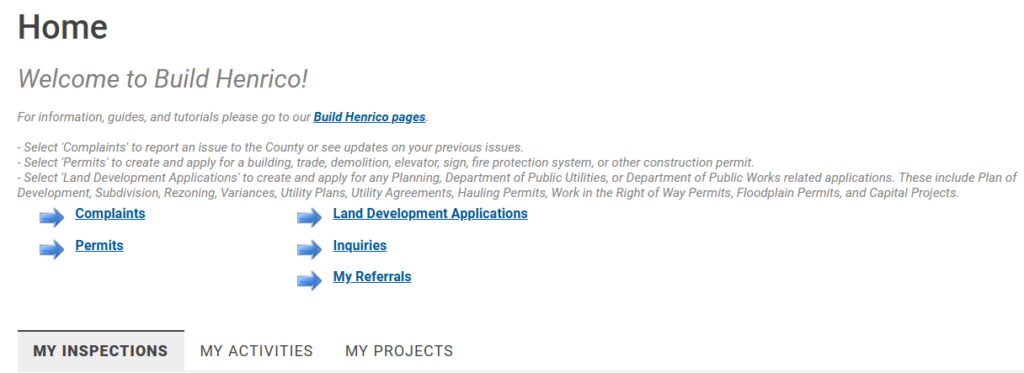
For users with an Active Build Henrico account before April 16, 2026.
Before you begin, please verify that you have access to the email associated with your Build Henrico Account.
Follow these steps to sign in to your Build Henrico account for the first time on or after April 16, 2026:
Go to https://henrico.gov/build/ and select LOG IN

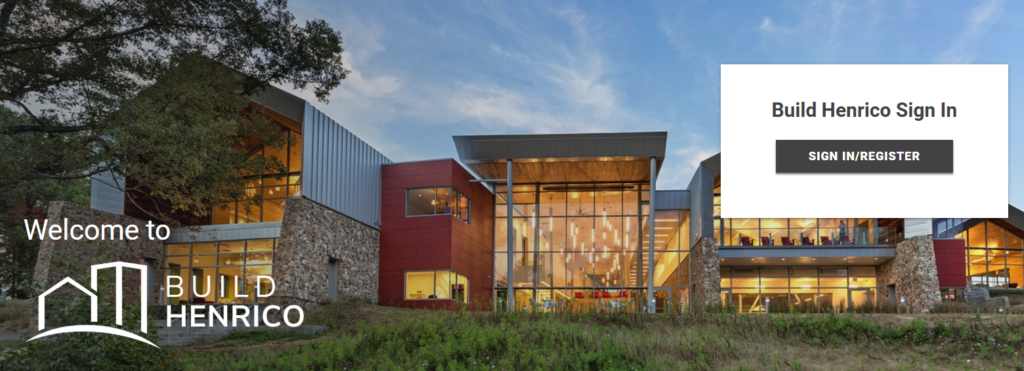
Select SIGN IN/REGISTER
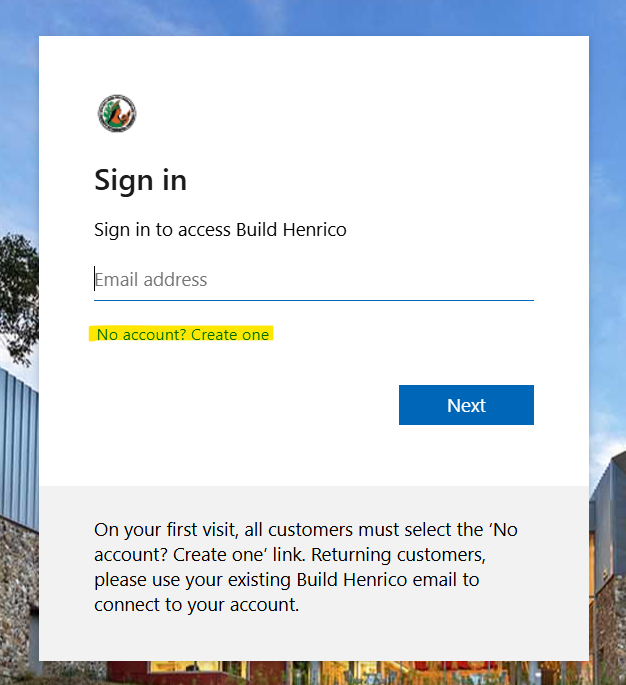
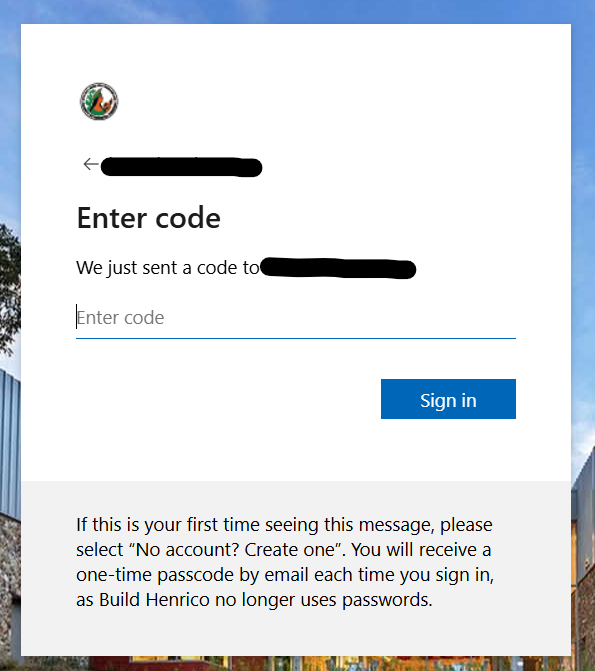
Select “No account? Create one”
Important: All users must select this on their first sign-in
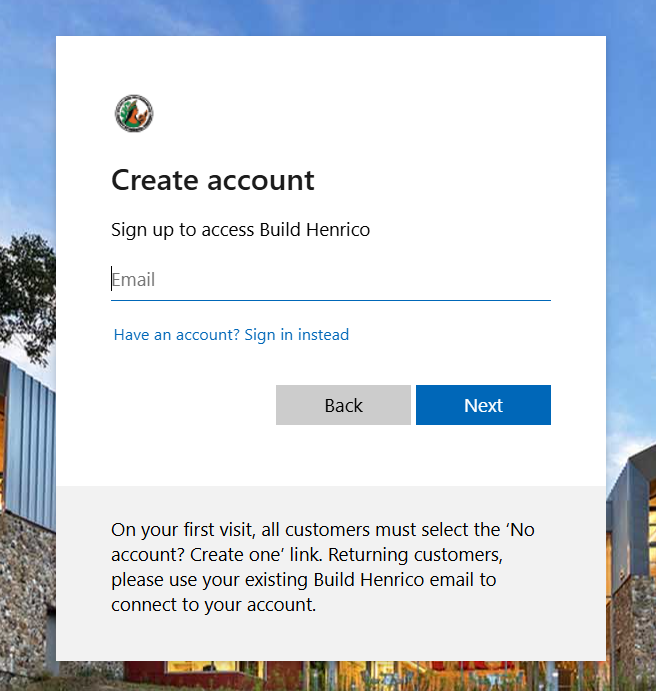
Enter the email address associated with your existing Build Henrico account then select Next
Go to your email and open the email from Build Henrico (via Microsoft)
If you do not see it, check your Spam/Junk folder
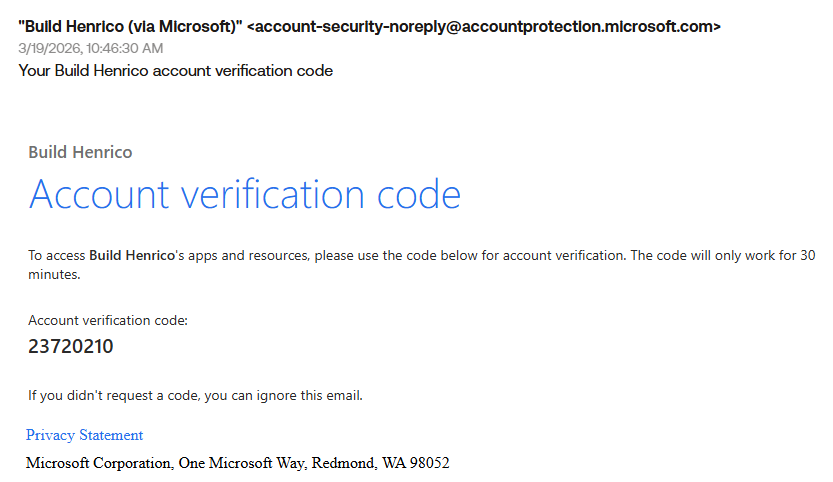
You will have received an Account Verification Code
Copy this code from our email and enter it on the Build Henrico website then select Next
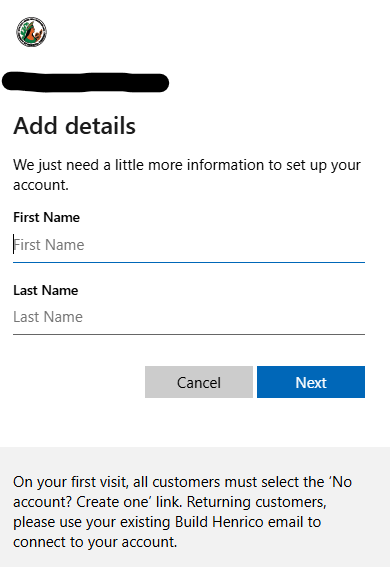
Enter your First Name and Last Name then select Next
That’s it! You should now be at the Home Page of the Build Henrico customer portal where you should see all of your existing jobs and activities.