
Before you begin, please verify that you have access to the email address you wish to use.
Go to https://henrico.gov/build/ and select LOG IN

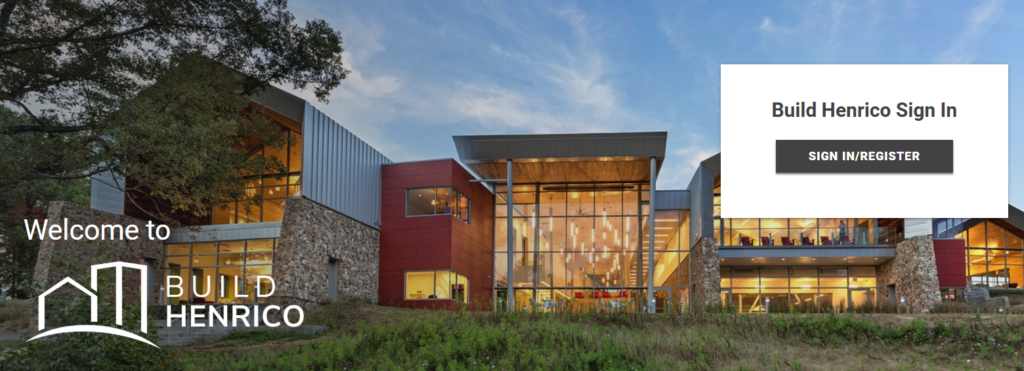
Select SIGN IN/REGISTER
Select “No account? Create one”
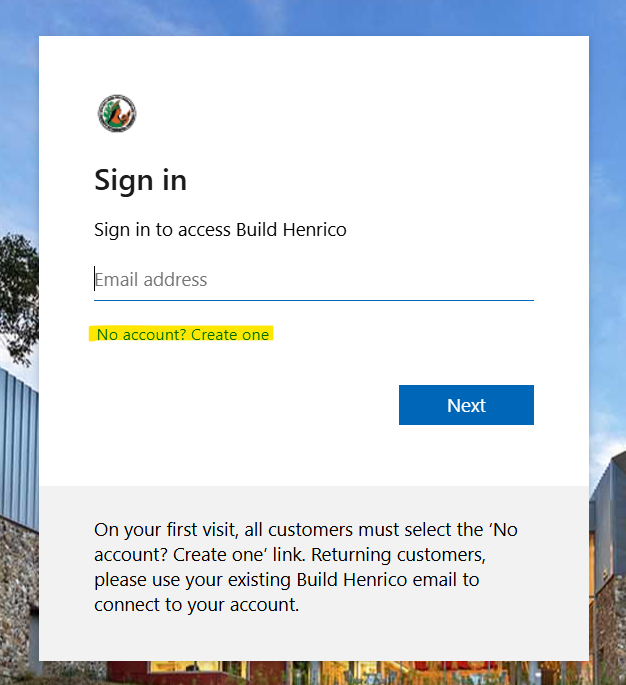
Enter your email address

Go to your email and open the email from Build Henrico (via Microsoft)
If you do not see it, check your Spam/Junk folder
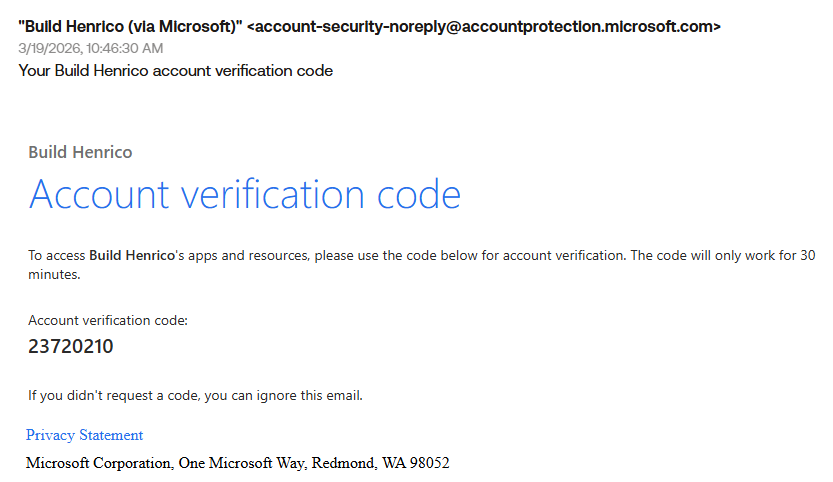
You will have received an Account Verification Code
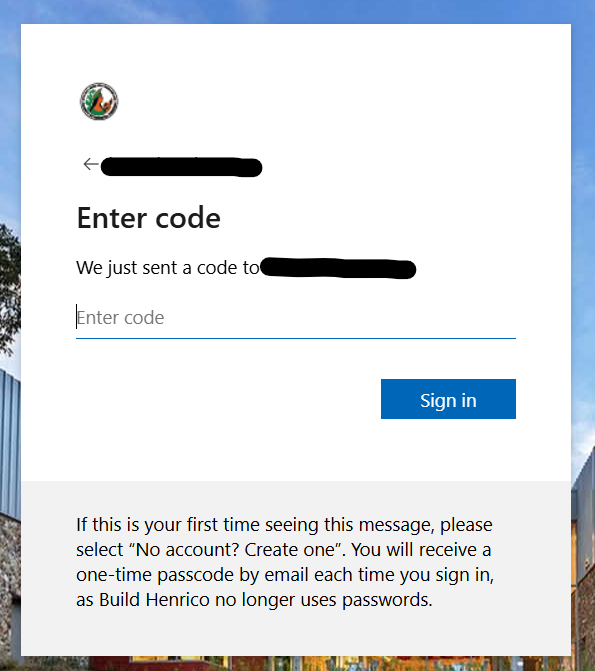
Copy this code from our email and enter it on the Build Henrico website then select Next
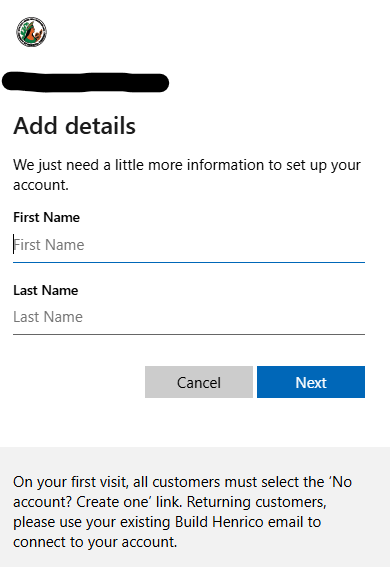
Enter your First Name and Last Name then select Next
You will now be brought to the Home page of the Build Henrico customer portal where you will be prompted to complete your profile. Select profile.

Enter your mailing address, phone number, associate yourself with a contractor (if appropriate), associate yourself with a referral agency (if appropriate), and manage your email notifications on this page. Select the Save and Complete Profile button when done. Welcome to Build Henrico!