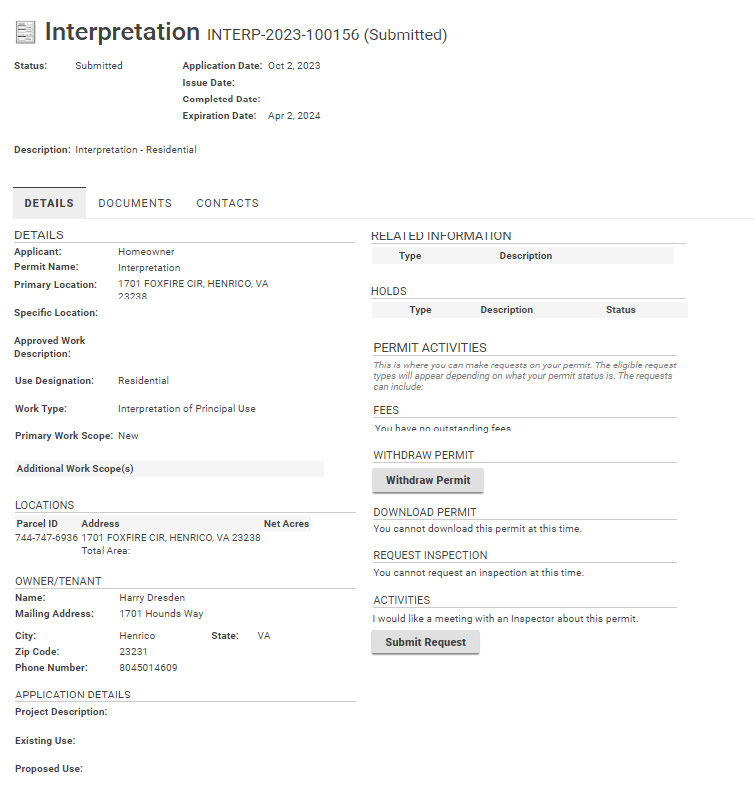
At the Build Henrico website home screen, click on “Land Development Applications”. Then choose the type of application. Click on “Interpretation.”
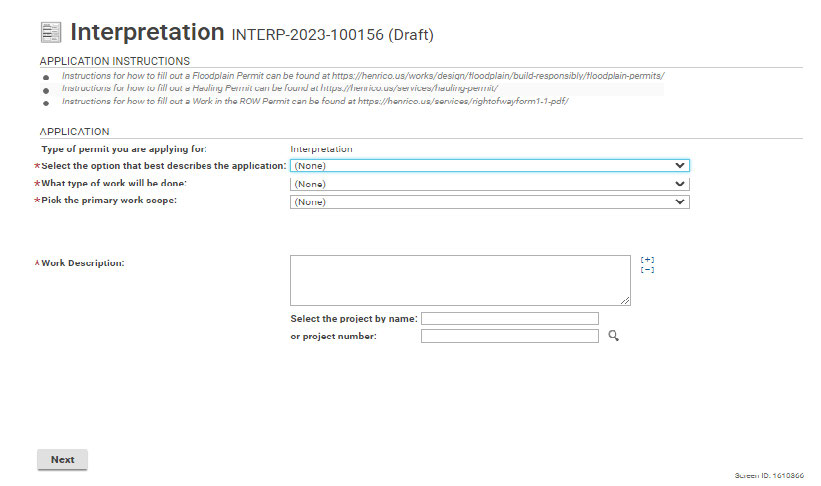
Use the drop-down options that best describes the application type. In the Work Description box, type a short description of the request. (*) asterisk indicates a required field.
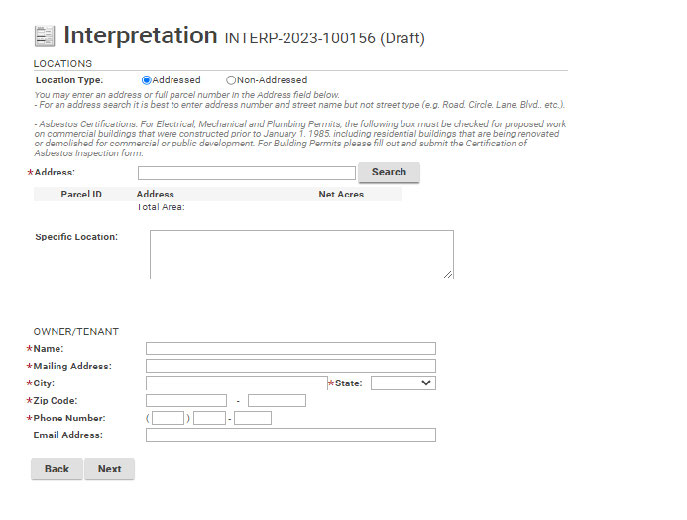
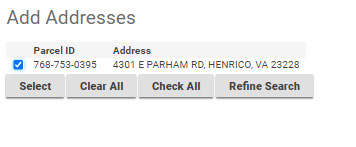
Enter the address and click “Search.” Click on the correct address and then click “Select”. Add information about current owner/tenant.
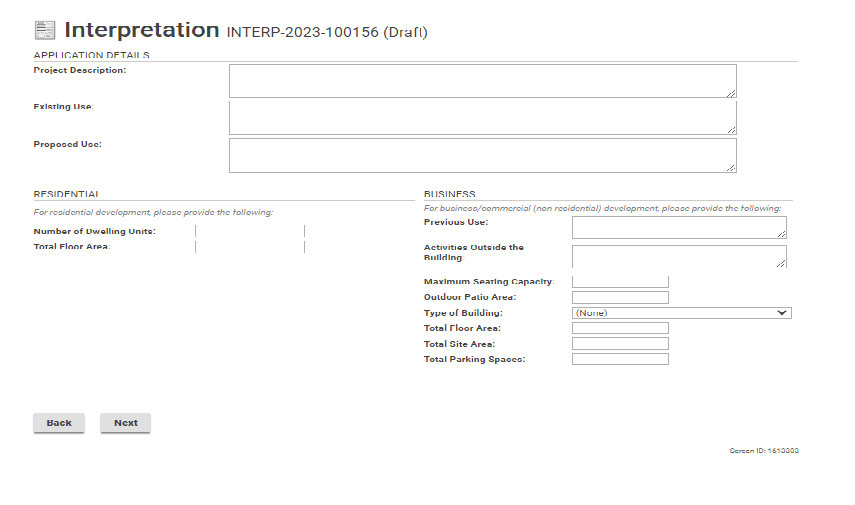
Use the boxes below to explain the request for Interpretation. Then click “Next” to continue.
Upload any documents that may apply to the Interpretation application. Once the documents have been up-loaded, use the drop-down option to add the document type. Then click “Next”.
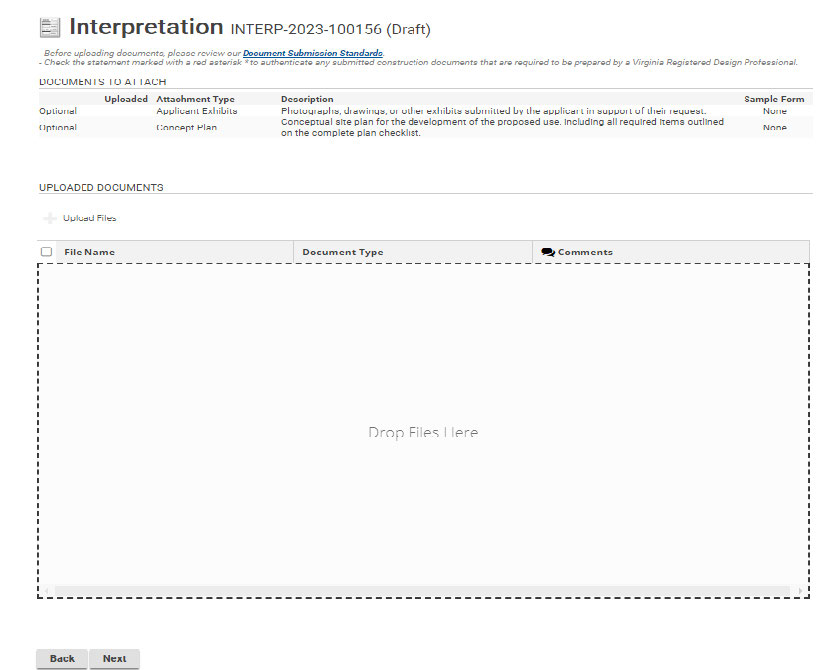
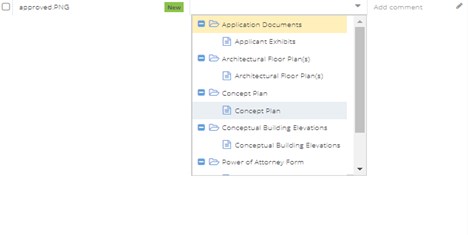
Click next to continue.
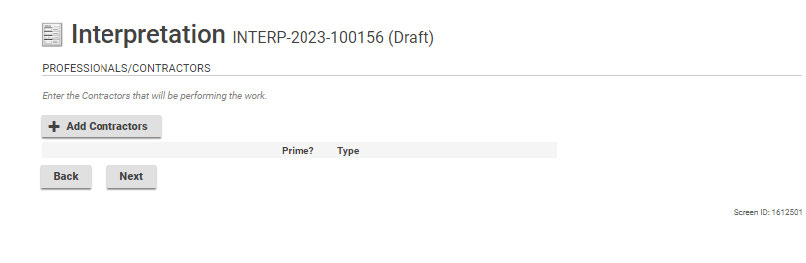
Click Next to continue.
Use the +Contact icon to add any contacts that may be associated with this project.
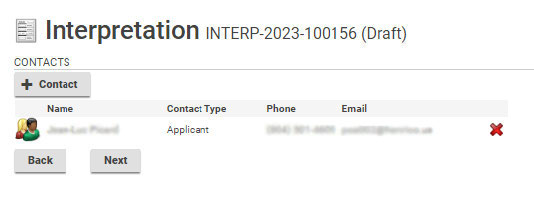
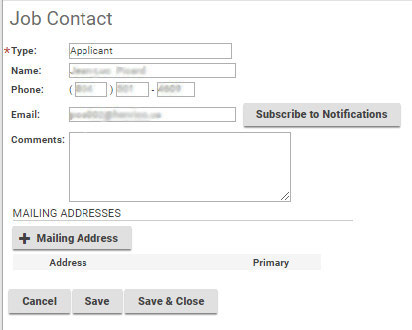
Click the icon to the left of the contact name to subscribe to notifications. The field below will populate and allow the applicant to subscribe to notifications.
When adding contacts, please subscribe to notifications in order for everyone associated with the application to receive updates on its progress.
Check the box to acknowledge the Homeowner Declaration Statement.
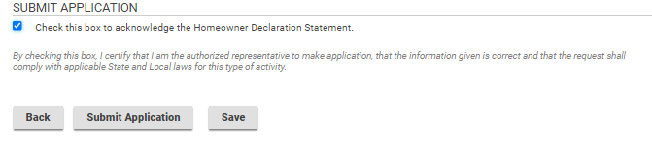
You are now ready to click “Submit Application”.
The Interpretation application has now been submitted successfully.