At the Build Henrico website home screen, click on “Land Development Applications”. Then choose the type of application. Click on “Administrative Modification”.
In the “Description of Proposed Activity” box, please give a short description of the proposed activity. Use the drop-down options that best describes the application type. *asterisk indicates required information.

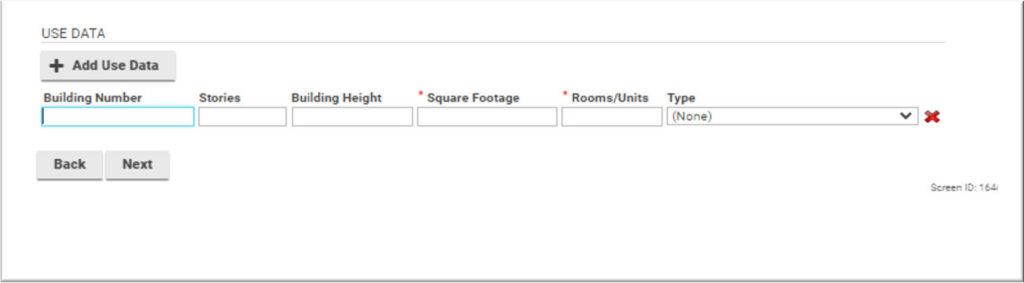
Total acreage and number of Lots/Units proposed is required. Click on the + Add Use Data to open data field for additional information.

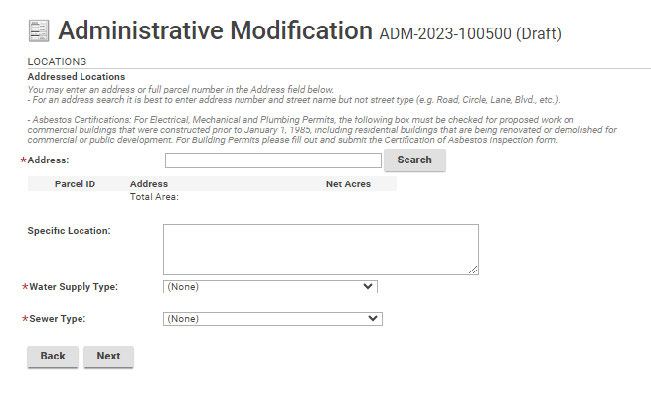
Click on the Search to input the address of the property. Use drop-down options to choose water and sewer type.
Use the + Upload Files option to upload required documents to the application.
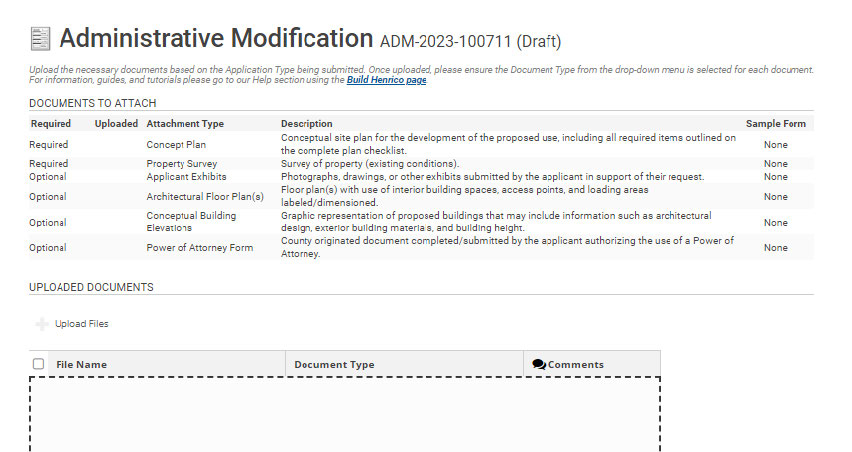
Once you have uploaded the required documents, use the drop-down options to label the documents. Then click “Next”.

The Professionals/Contractors screen is not needed. You may click next and continue.

Add additional contacts to the application by clicking on the +contact. Click the icon next to the contact name, to update the applicant information and subscribe to notifications. This field appears when adding contacts.

When adding a contacts, please Subscribe to Notifications in order for everyone associated with the Administrative Modification to receive updates on its progress. When completed click Save & Close.

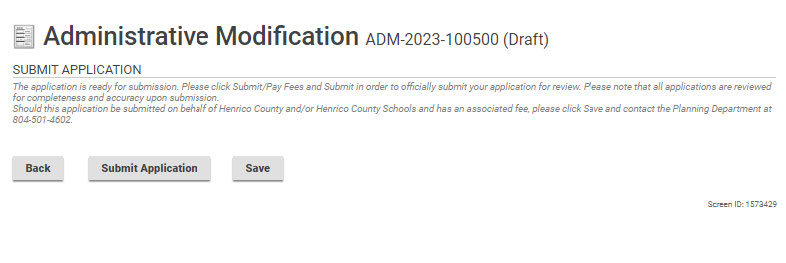
Click on “Submit Application”.
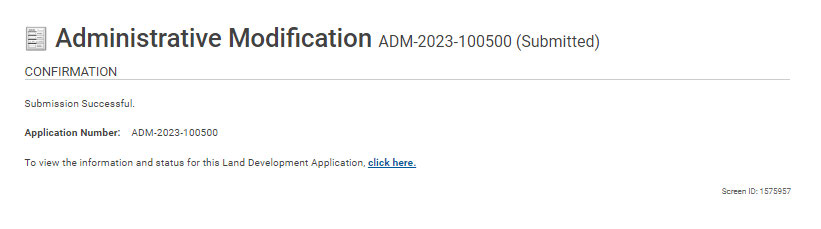
Your application has been successfully submitted.