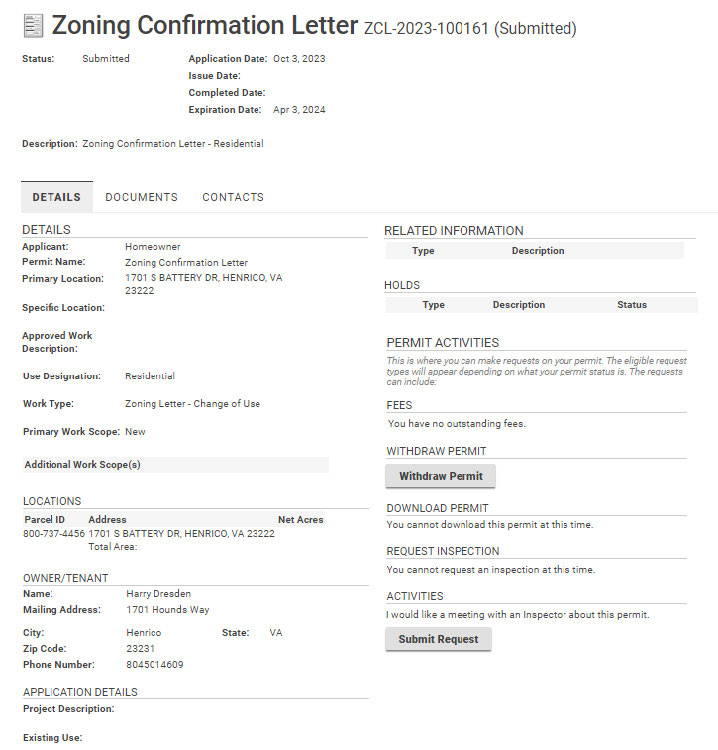
Log in to the Build Henrico site, and click on “Land Development Applications.” Then choose the type of application. Click on “Zoning Confirmation Letter”.
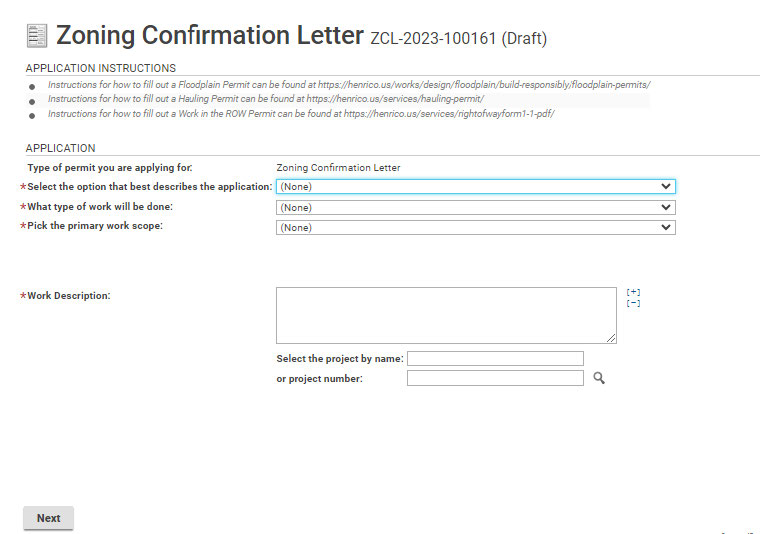
*asterisk indicates a required field. Use the drop-down options to make a selection. In the “Work Description” field, type a short description of permit request. Click Next to continue.
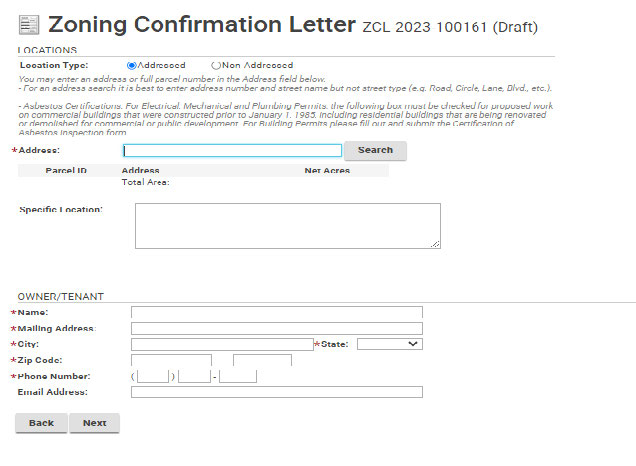
Click on the “Search” to input the address of the property. If you have multiple parcels, each parcel must be added to this section. Clicking the Address Search shows:
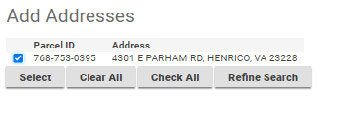
Click “Next” to continue.
Use the boxes for Project Description, Existing Use, and Proposed use to briefly explain the request for a Zoning Confirmation Letter. Click “Next” to continue.
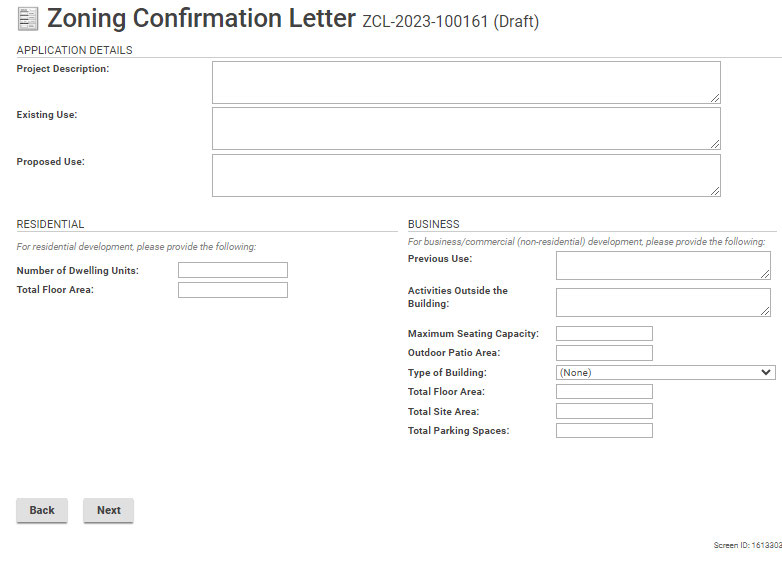
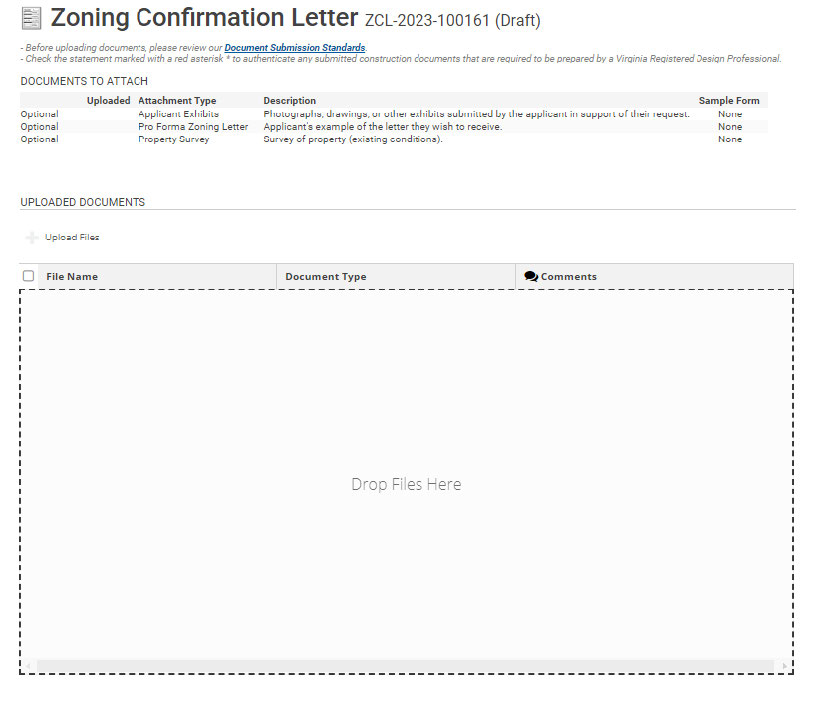
Appeal applications have optional documents. Upload related documents here.
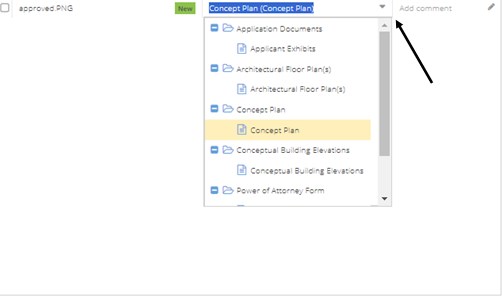
Use the drop-down options to describe the uploaded document.
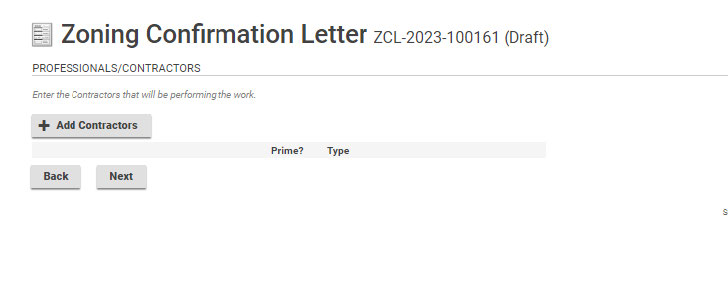
Next is a place to add Professionals/Contractors. Click Next to continue.
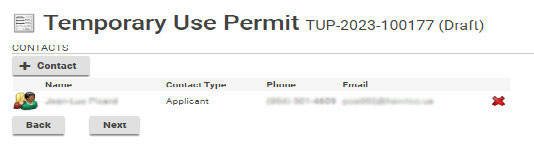
Use +Contact to add any contacts that may be associated with this project.
Click the icon to the left of the name, to subscribe to notifications. The field below will populate and allow the applicant to subscribe to notifications. Click “Next” to continue.
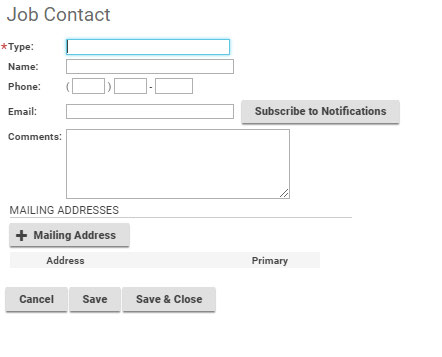
This field appears when adding contacts.
When adding contacts, please choose Subscribe to Notifications in order for everyone associated with the application to receive updates on its progress.
Click the checkbox to open Homeowner Declaration Statement.
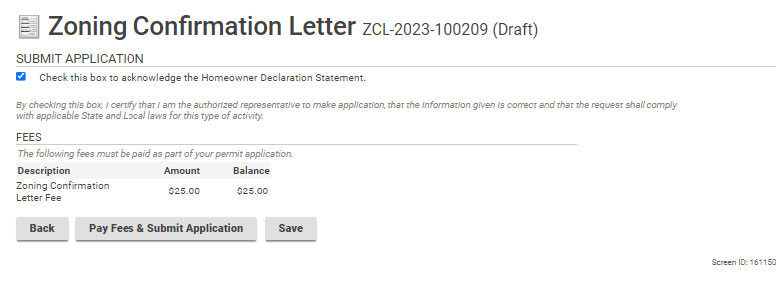
Click Pay Fees & Submit Application. You will then be redirected to the Paymentus application in order to submit required fees. After paying the fees, you will receive an email confirming the application is complete. You will see a link which will show you information and status for the application.