
This guide will walk you through how to apply for a Hauling permit on the Build Henrico customer portal. When you first log into Build Henrico, you will be taken to your home page. To apply for a Hauling Permit, click the Land Development Applications link, and on the next page, click the Hauling Permit link under the Hauling Permits section.
When you are in the application, you will go through a series of application windows. Fill out all system-required information as well as any additional information related to the job and then click Next.
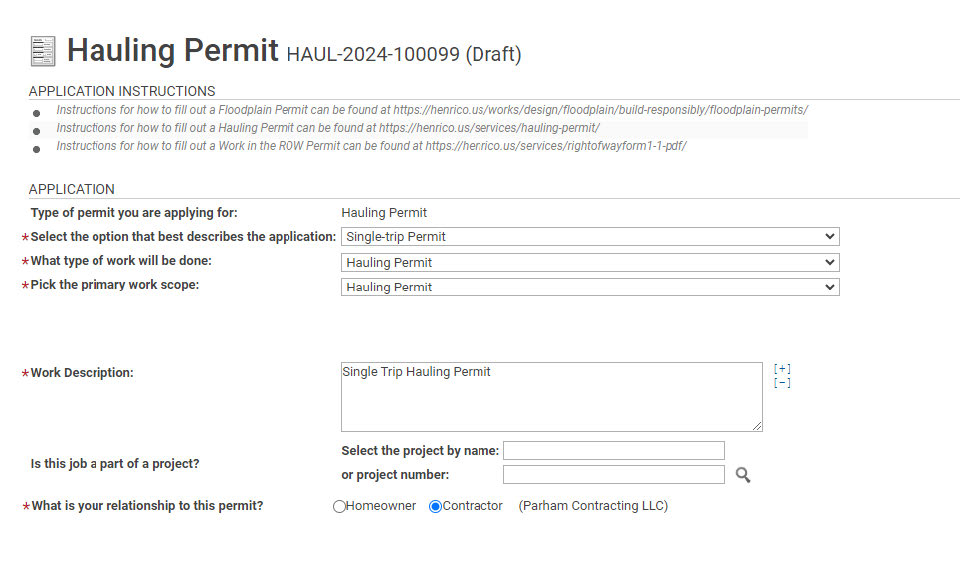
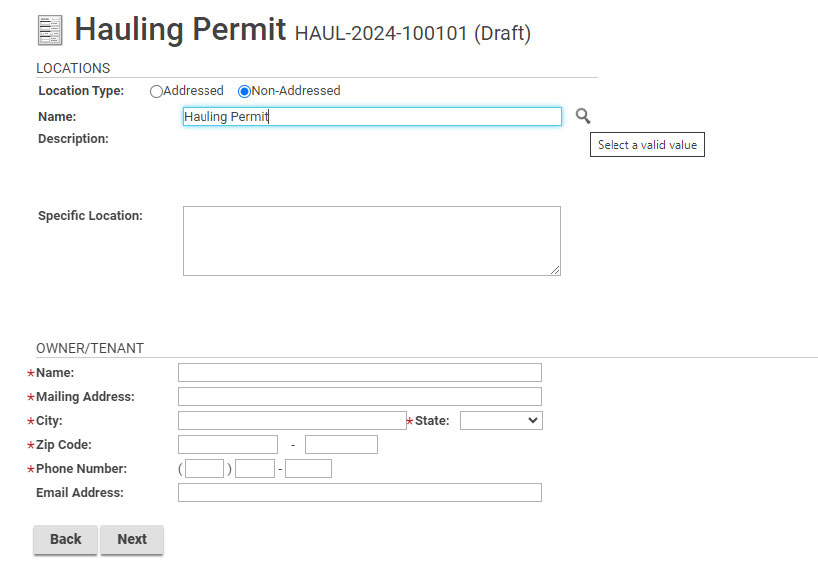
Change the Location Type to Non-addressed, then type Hauling Permit into the Name Field, and click the magnifying glass.
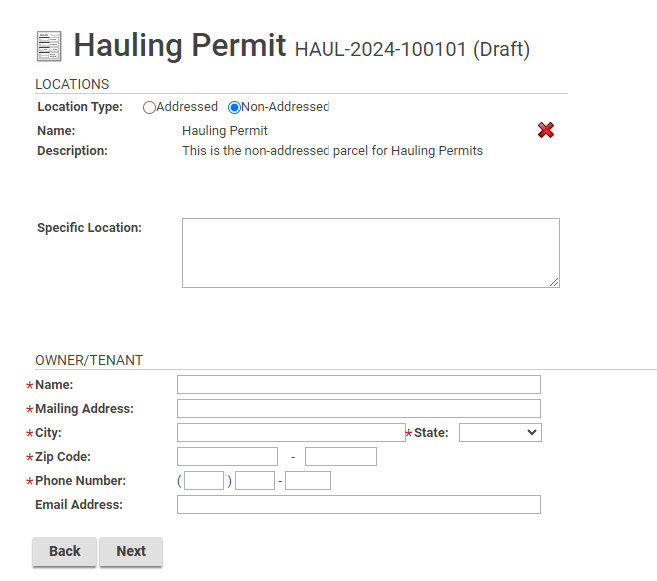
This will change the Location Description to “This is the non-addressed parcel for Hauling Permits” as shown below.
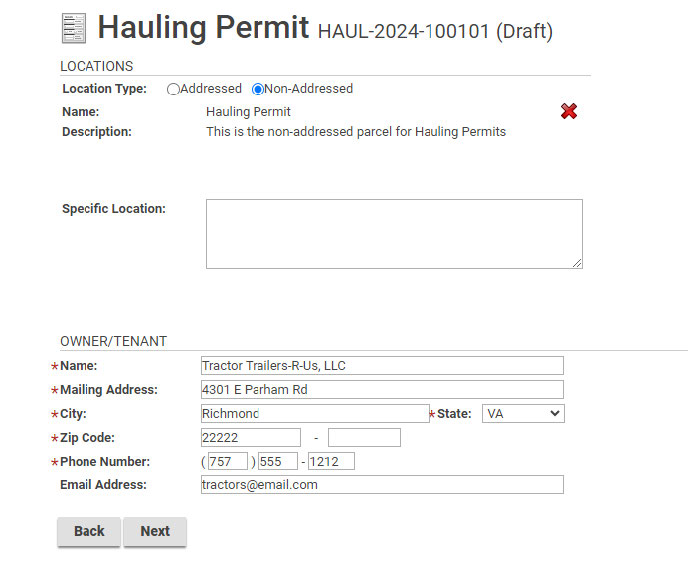
Enter the required information for the truck/trailer owner in the OWNER/TENANT section and then click Next.
Enter details of the hauling and click Next.

Enter any applicable information and click Next. * Note: Nothing is required on this page.

Upload any required documentation, such as a Certificate of Liability Insurance. Specify document type,
add comments and then click Next.

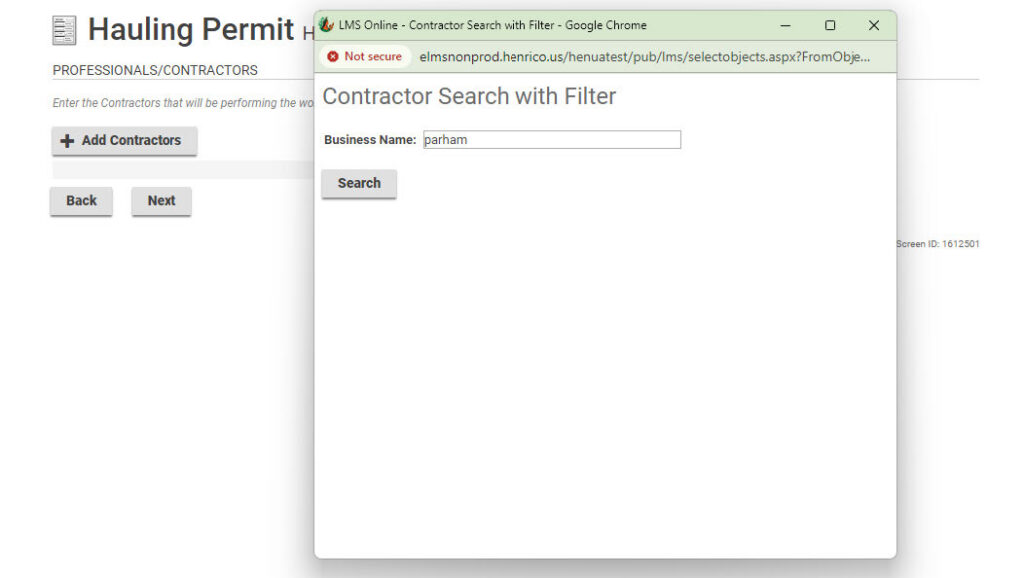
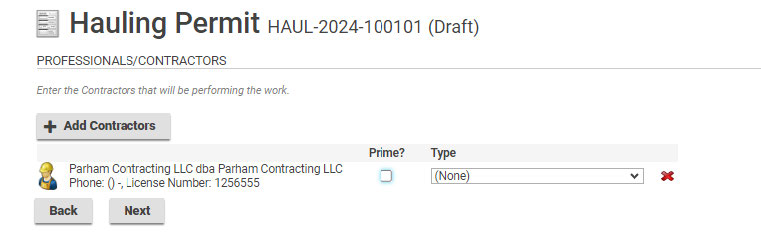
Click Add Contractor, type in the name of the contractor and click search, and then select the
contractor of choice and then click Next.

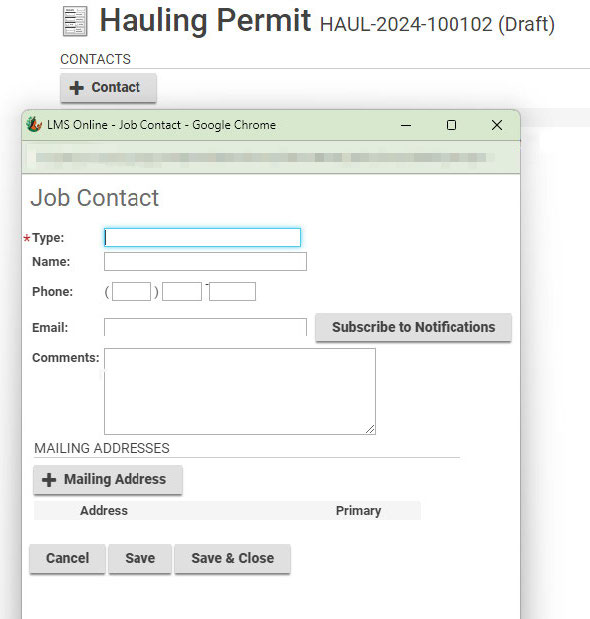
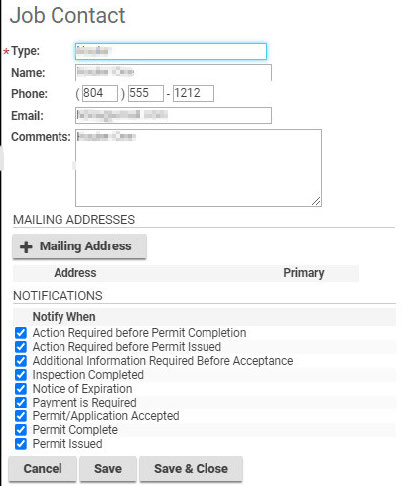
Click +Contact, enter the contact information, select the Notification(s) and then click Save and Close.
Click Next, which takes you to the Submit Application screen.

Click Submit Application, which displays confirmation of the submission as well as a link to the permit information.
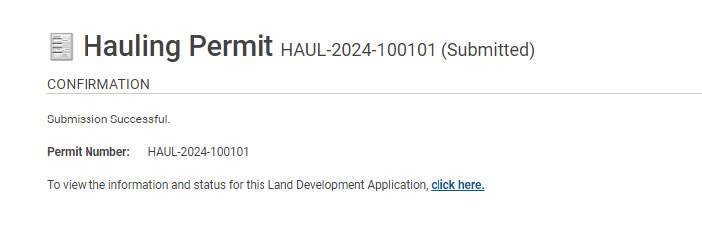
Clicking on the hyperlink will display the Hauling Permit information.
