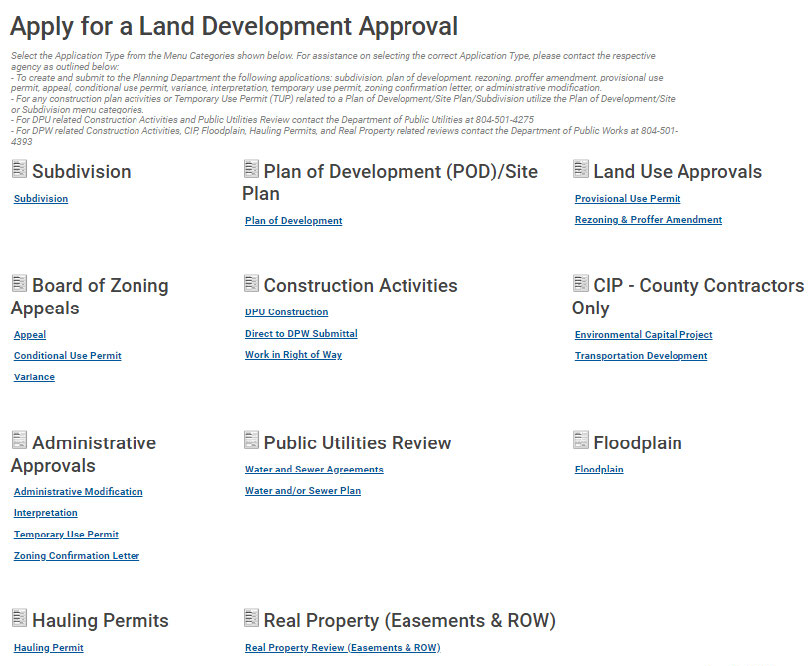
At the Build Henrico website home screen, click on “Land Development Applications”. Then to choose the type of application, click on “Variance,” under the Board of Zoning Appeals heading.
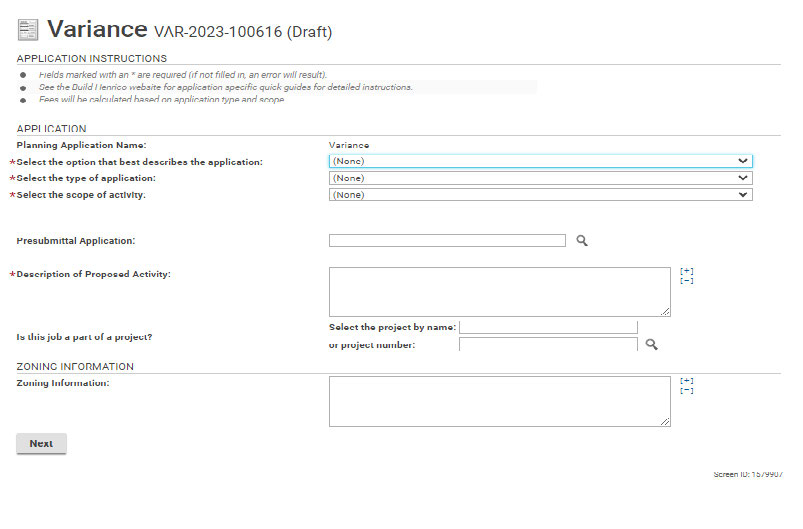
In the Description of Proposed Activity box, put a short description of permit request. e.g. “to build a single family dwelling.” Note: *asterisk indicates a required field.
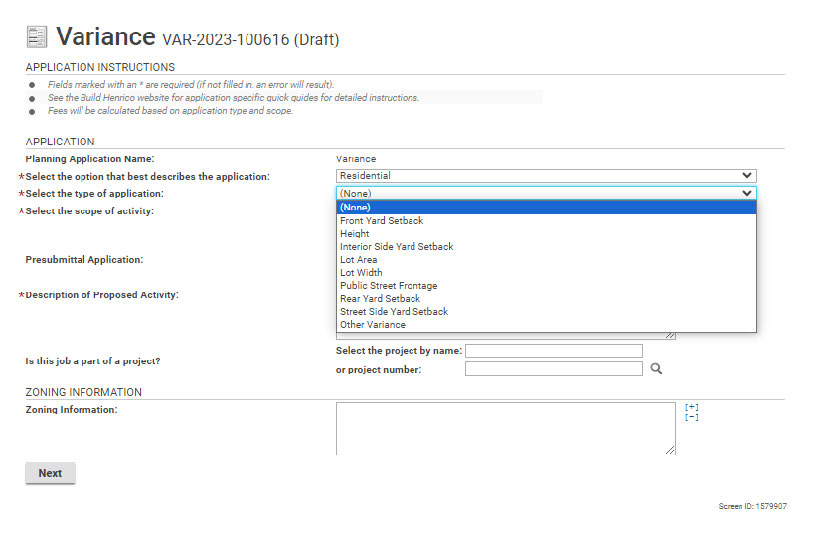
Use the drop-down options to make a selection. When all required fields have been filled out, click “Next”.
Enter the address and click “Search”. Click on the correct address and then click “Select”.
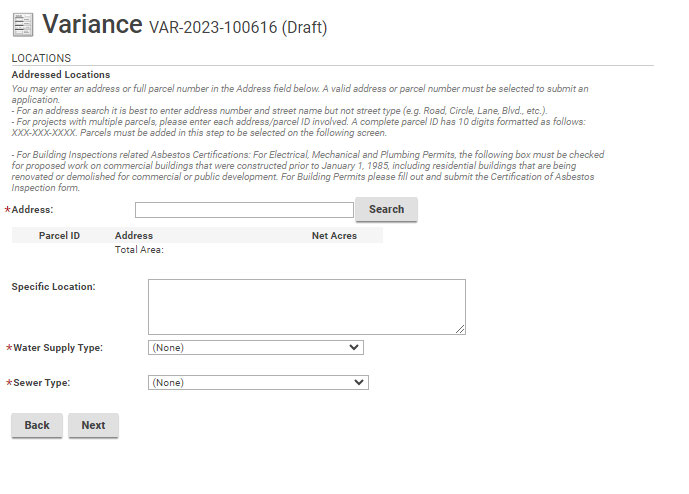
Use the drop-down option to choose the correct address.
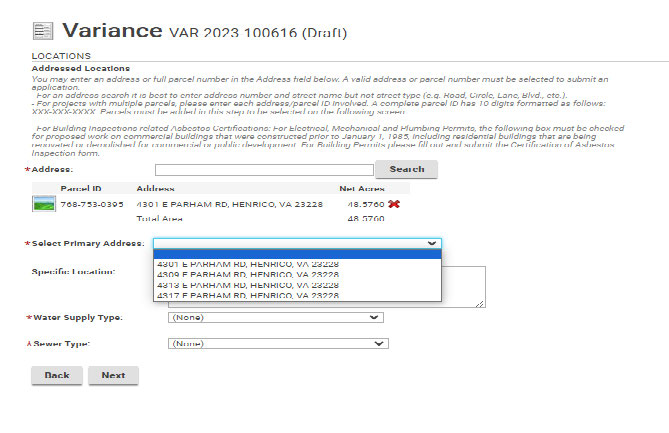
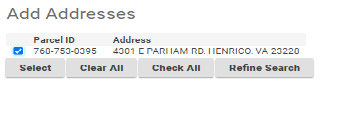
Then select the water and sewer type before clicking on “Next”.
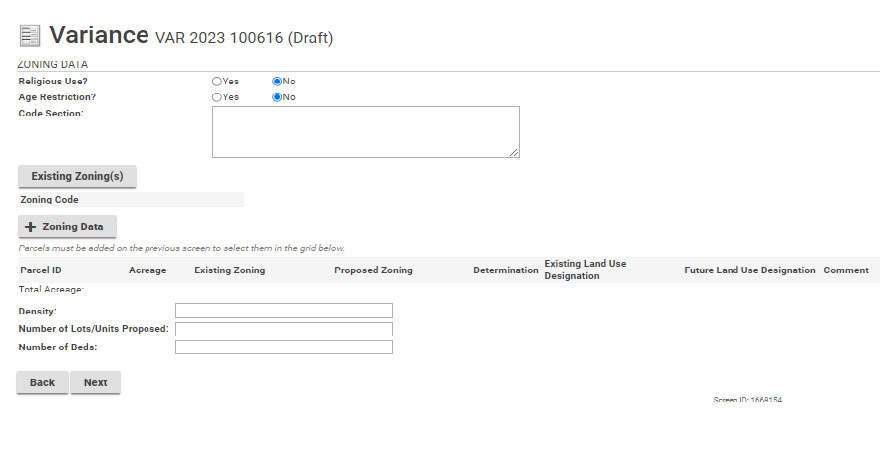
This page, where proposed zoning data can be added, does not apply to most Variance applications. Click “Next” to continue with the application.
Click on +Nature of Request. Then use the drop-down option to select the Request Type. Write a short description in each box provided. Reminder that ( * ) indicates required information.
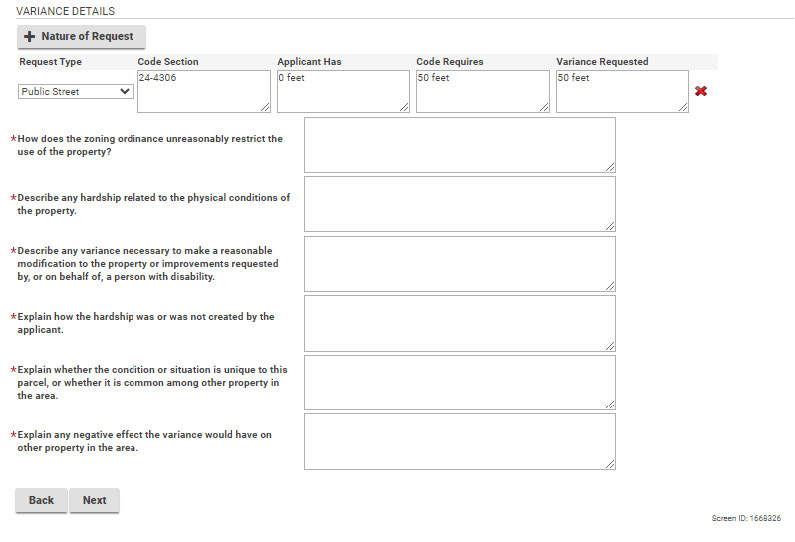
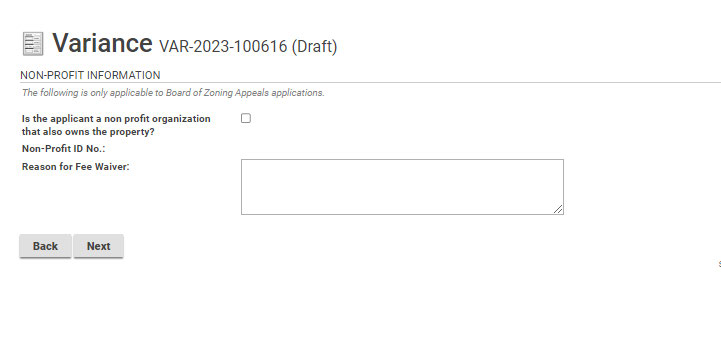
If you are a non-profit organization, enter identification information on this page. Click on the checkbox and enter the non-profit ID number. If you are not associated with a non-profit click “Next” to continue with the application.
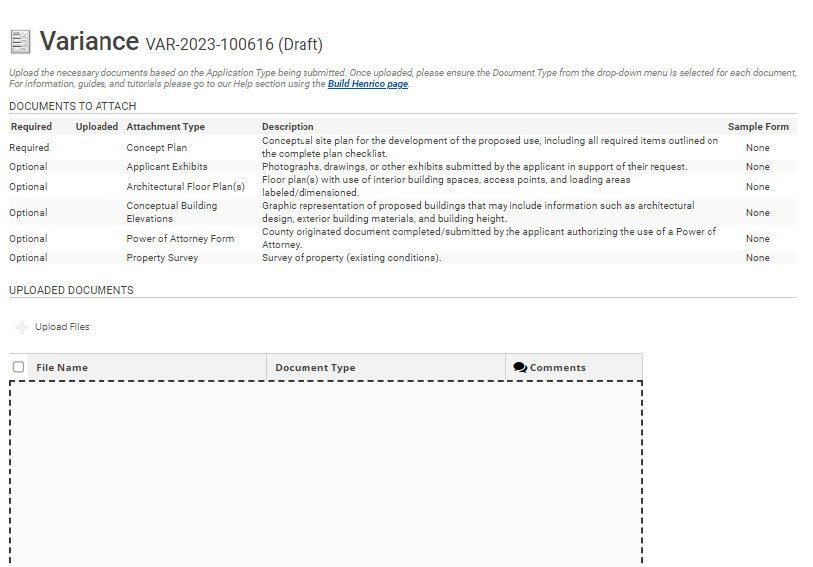
Variance applications require a Concept Plan to be provided with the application submission. Click the +Upload Files to select the documents for upload. You may upload any additional documents that have relevance to this application.
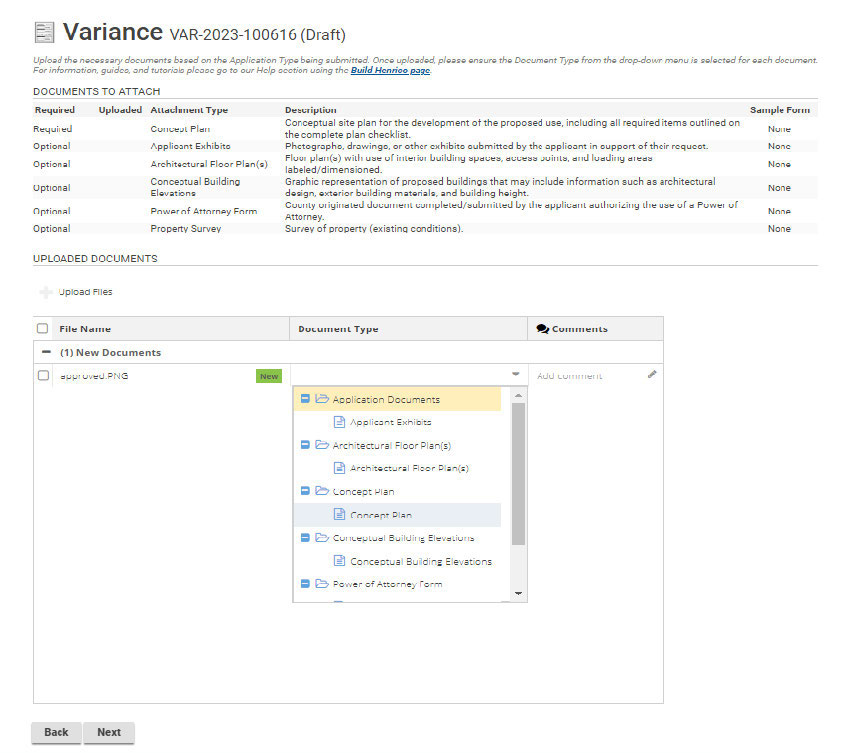
Once the documents have been uploaded, use the drop-down option to add the document type. Then click “Next”.
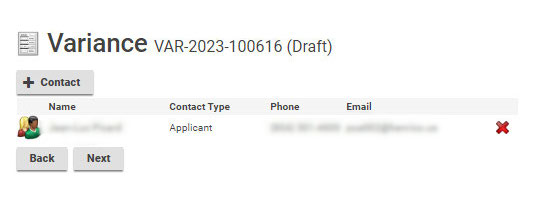
Click the +Contacts to add any contacts that may be associated with this project.
Click the icon to the left of the contact name to subscribe to notifications. The field below will populate and allow the applicant to subscribe to notifications.
This window appears when you click +Contacts or the people icon. Fill in the information.
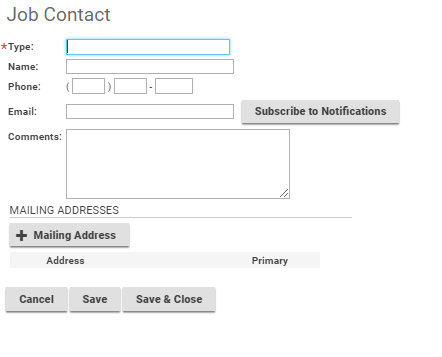
When adding a contacts, please click the Subscribe to Notifications button in order for everyone associated with the application to receive updates on its progress.
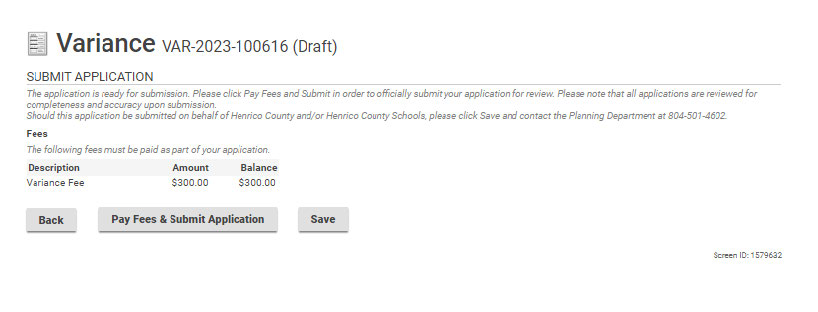
Click “Pay Fees & Submit Application”. You will then be redirected to the Paymentus application in order to submit required fees. After paying the fees, you will receive an email confirming the application is complete.