IMPORTANT: All searches shown in this guide can be done without logging into the system nor registering for an account; however, if you are the applicant on a particular Job, you will not be able to view as much information if you are not logged in to Build Henrico.
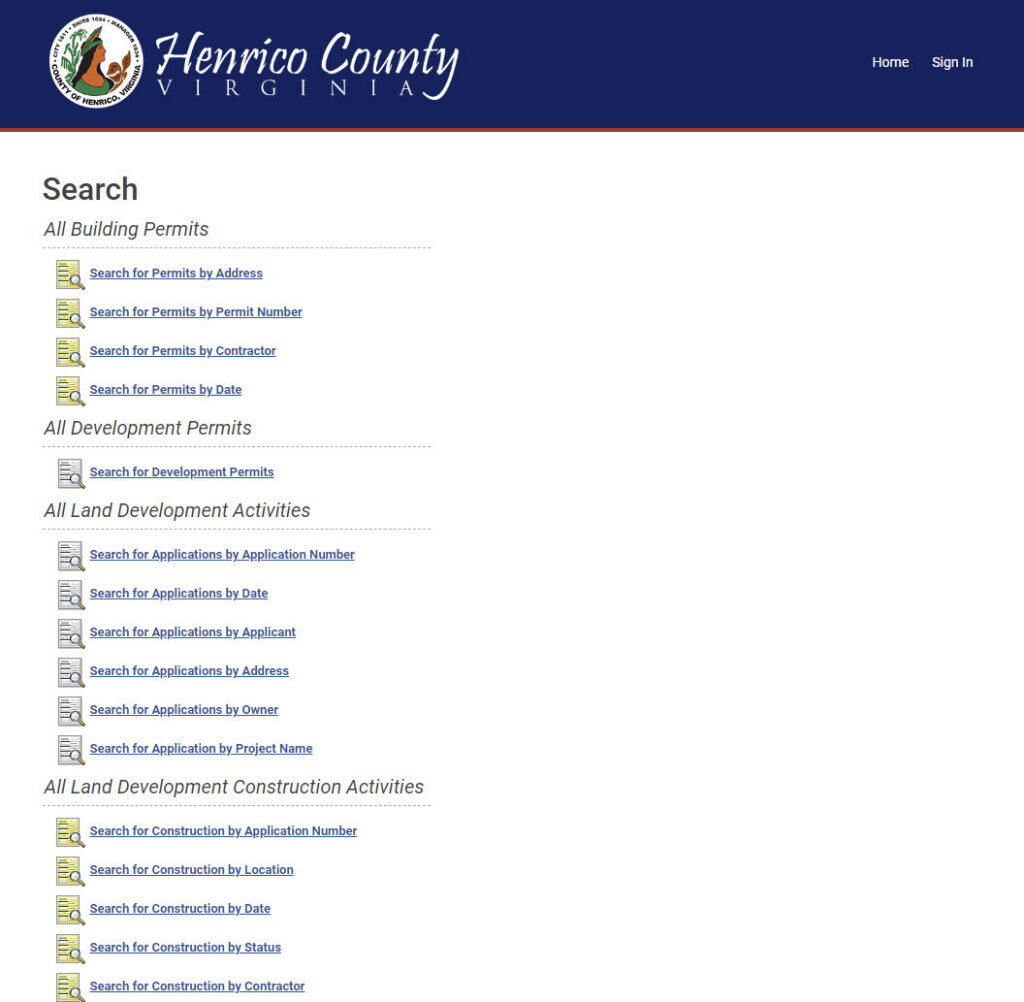
Navigate to https://build.henrico.gov/. Select the hyperlink in the “Search Build Henrico” paragraph.
Under “All Land Development Activities,” select the applicable search criteria you desire to use.
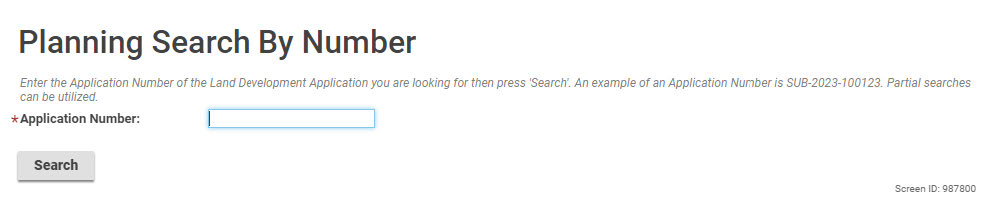
Based on the search criteria chosen, enter in the applicable information requested. Partial entries are acceptable. Click Search to provide results.
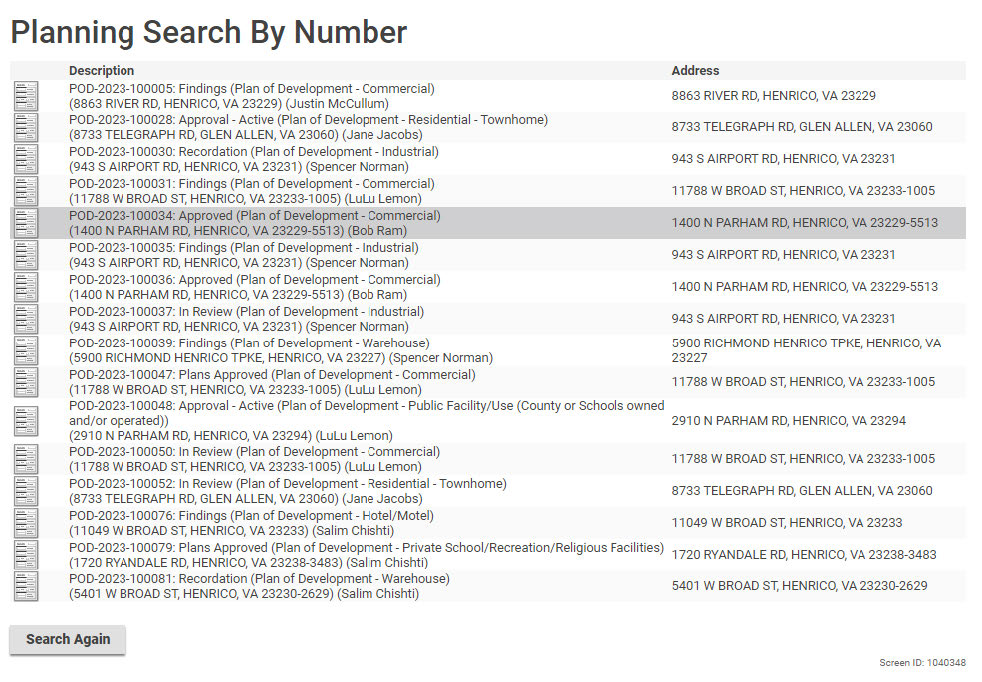
Once results are displayed, select the desired row. NOTE: The Search By Number criterion is shown as an example. All Land Development Application searches operate in similar fashion.
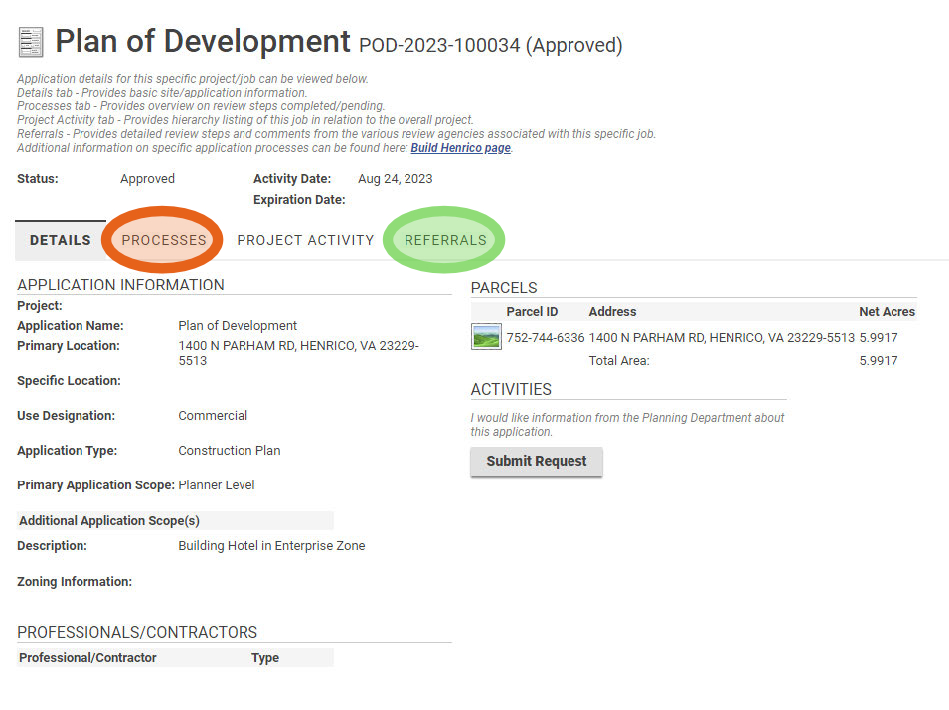
The Details for the select Job will appear.
If you select the Processes tab (highlighted in orange), a brief overview of the completed processes will be provided as well as any that are outstanding.
If you select the Referrals tab (highlighted in green), the list of all referrals will be visible with their applicable statuses and respective response due date.
If more information is desired, you can select the applicable referral row to view the specific referrals and view any review comments currently available.